 Here's the house.
A photo
“Show me the house.”
Here it is.
The picture takes the whole screen. Any toolbar would only be in the way, so there isn't one. Pinch to zoom, or say “closer”.
An app with one button still has a screen. It stays blank until there's a reason to use it. Listen in on someone using one: every time they ask for something, the screen that comes up scrolls into view.
You can't describe a photo out loud. So the app shows it, as large as it can, with nothing around it.
Here's the house.“Show me the house.”
Here it is.
The picture takes the whole screen. Any toolbar would only be in the way, so there isn't one. Pinch to zoom, or say “closer”.

“Play the one about fresh pasta.”
Playing it.
It plays straight away and the mic goes quiet so it doesn't hear itself. Press the button and the sound drops while you talk.
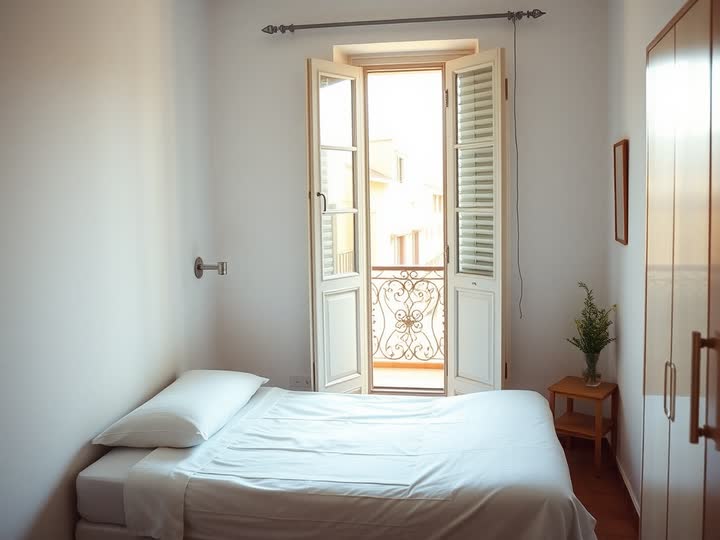 1
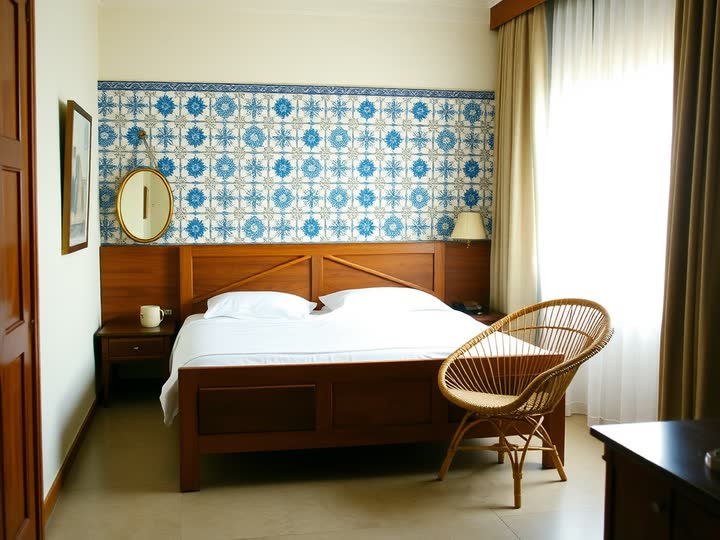 2
 3
“Find me a room in Lisbon.”
Three good ones. Which do you like?
Some things you pick by looking. Three hotel rooms sit side by side. Tap one, or just say which.
The tenant may end this lease with sixty days written notice to the landlord.
The deposit is returned within twenty one days of moving out, less any repairs.
Pets are allowed with written consent.
“What does my lease say about the deposit?”
You get it back within twenty one days, less any repairs.
It reads the part you asked about and highlights it, with the rest there if you want it.
Anyone in the room can talk to your phone. So anything that matters asks for something only you have, and it shows one thing while it waits.
“Send Maria fifty dollars.”
I need to know it's you. Touch the sensor.
The print fills the middle of the screen and pulses until the sensor answers. Nothing else competes with it.
“Open my medical records.”
Look at your phone.
On a phone set up for face unlock, the same moment becomes a scan. You look, and it's done. The app never sees your face, only the phone's yes.
“Unlock my notes.”
No sensor here, so type your password.
No sensor, or it failed? A single box pops up. You never say a password out loud, and it's the only box you'll see.
Say yes to pay.
“Pay the electric bill.”
Eighty four dollars twenty, to Riverside Power. Say yes to pay.
Money, deleting, sending: it shows exactly what's about to happen and waits for a yes, then asks for your touch.
Speech models are good and still mishear names. Fixing it should take one sentence, or one small box.
“Send the invoice to Siobhan.”
Sorry, how do you spell that?
It shows its best guess in one box. Say the letters and they fill in as you go, or type it. No form, no keyboard unless you want one.
“Get me a train to Springfield.”
Which Springfield?
When two answers are both likely, it doesn't guess. It lists them, best first, and you say or tap the one you meant.
“Call the dentist and move my appointment.”
It's loud in here. Type it instead.
Train, kitchen, kids. When it can't make you out, a text box slides up. Same agent, same answer, you just type.
Some jobs are about your hand, your eyes or your surroundings. The app admits it and hands you exactly the one tool for the job, then gets out of the way again.
“Sign the lease.”
Sign on the line with your finger.
A signature has to be your hand. The screen becomes a signing line and nothing else.
“Tell them where I parked.”
Drop the pin where you parked.
“Over there” means nothing out loud. So you get a map and you put your finger on it.
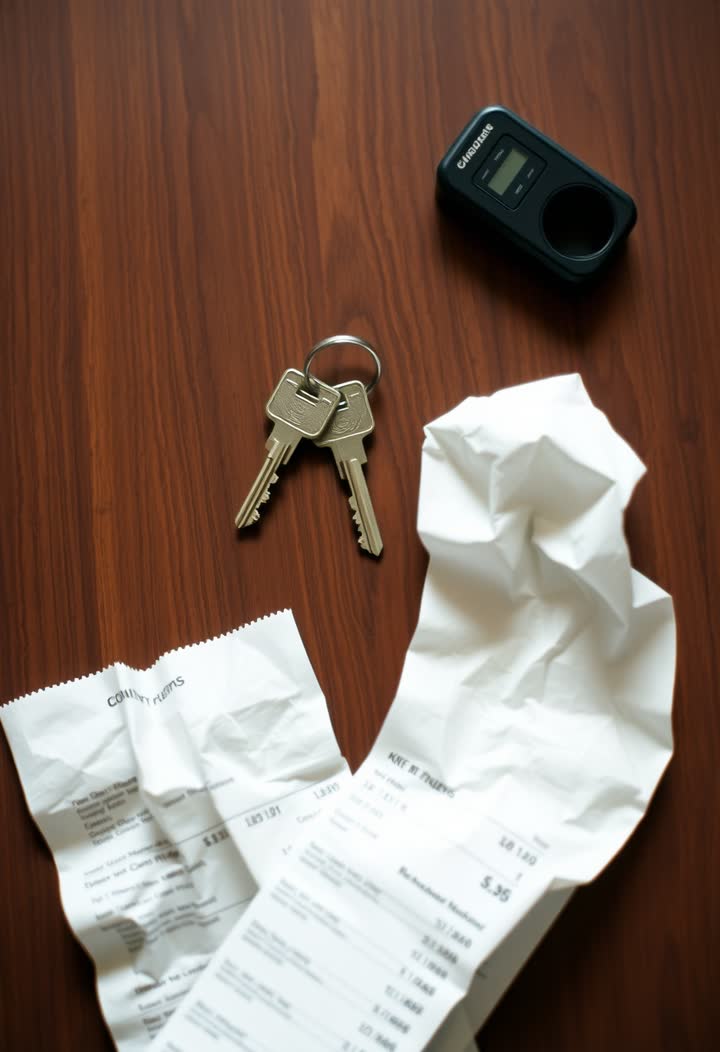 Hold still. Reading it.
“Add this receipt to my expenses.”
Hold still. Reading it.
A receipt, a broken part, a QR code. The camera opens by itself, frames the thing and reads it. It closes itself too.
Circle the part you mean.“Take this out of the photo.”
Circle the part you mean.
“That bit, no, left of that” gets old fast. Circle it with a finger, then keep talking about it.
Your test results are in. All normal.
Showing this instead of saying it.“Are my test results in?”
Some answers shouldn't be read out in a shared room. It writes them down instead, and stays quiet.
“Scan this QR code.”
To read that, I need your camera.
Camera, location, contacts. Only you can answer those, on the phone's own sheet. The app says why it's asking first.
$48,210
Up 12 percent on last year.“How's the shop doing?”
Up twelve percent on last year.
A year of sales doesn't work as a sentence. It tells you the headline and draws the rest.
This one. Nothing to show, so it shows nothing. It's the screen you'll see most, and it's the whole point.
Every screen with a “Try it here” works on this page right now. The button's at the bottom. Ask it to show you something, then tell it to make it fullscreen.